
Toshiba
Satellite A505-S6035 Laptop Computer Review
Product pictures, benchmark results,
specifications, and a consumer's review of the Toshiba A505-S6035 notebook
computer.

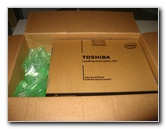 New Egg Packaging |
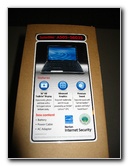 A505-S6035 Specs |
 Quick Start Guide, Manual |
| I was
still relatively happy with my four year old
Toshiba A105-S4254, especially after I upgraded both the
Hard Drive & RAM. But I couldn't resist buying the new Toshiba Satellite A505-S6035 when I saw it on sale at Newegg.com for just $899.99. It is now selling again for the pre-sale price of almost $1,200! For such a low price, the A505-S6035 comes packed with great hardware such as an Intel Core i7 720QM 1.6Ghz quad core processor with "Turbo Boost" to 2.8Ghz and four extra virtual cores courtesy of Hyper-Threading technology. Some of the other features include a 500 GB 5400 RPM hard drive, 4 GB of DDR3 1066 memory, an Nvidia GeForce GT 330M video card with 1 GB of DDR3 memory, 802.11b/g/n WiFi, 10/100Mbs LAN, a 16" LCD @ 1366x768, an HDMI out port, an SDHC memory card reader, and four USB 2.0 ports. |
||
|
|
||
 Netflix Trial, Warranty |
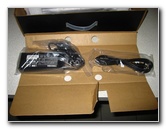 Huge Power Adapter Brick |
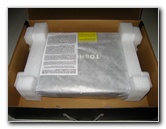 Styrofoam Protection |
| The rest of the Toshiba Satellite A505-S6035 laptop's specs and features include a 6 cell 4000mAh battery, a 6.48 lb weight, Harman/Kardon stereo speakers with Dolby Sound Room technology, a VGA out port, 1 eSATA/USB 2.0 port, a DVD-RW SuperMulti drive with Labelflash, the Intel HM55 chipset, 1 Express Card slot, a .3 MP webcam, an LED lighted strip above the touchpad, an LED lighted "Satellite" badge, USB Sleep & Charge, and Windows 7 Home Premium 64 bit. | ||
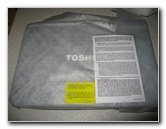 Soft Cloth Cover |
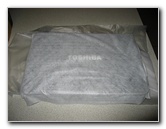 |
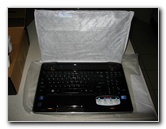 Soft Cotton LCD Cover |
| Some of the "cons" or complaints about this laptop are that the glossy case is a fingerprint magnet, the big 16" LCD only has a native resolution of 1366x768, the webcam only has a resolution of 0.3 megapixels, no Bluetooth, the hard drive is only 5400 RPM versus 7200 RPM, it comes installed with the usual bloatware and trial software, it puts out plenty of heat when pushing the processor hard, and the battery only lasts about 1.5 to 2 hours. | ||
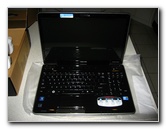 16" LCD & Full Keyboard |
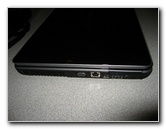 USB, VGA, LAN, HDMI, eSata, Firewire |
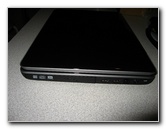 DVD-RW, USB, 56k, Power |
| None of those
negative points swayed my decision to buy the Toshiba A505-S6035 at all.
This desktop replacement notebook is going to spend most of its life resting on a laptop cooler on my desk hooked up to a 24" Dell monitor. I've never used a webcam. I don't need Bluetooth connectivity and if I do, a Bluetooth micro usb dongle will solve that problem. The relatively short battery life is understandable for a computer with these kind of high performance specs. For traveling, I have an Acer AS1410-2285 11.6" dual core netbook (technically a "laptop") with a 5-6 hour battery life. |
||
|
|
||
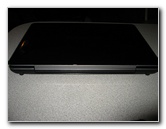 LCD Hinge |
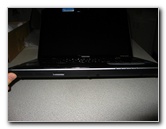 SD Card Slot, WiFi On/Off |
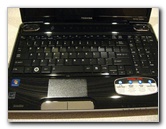 Full Keyboard + Number Pad |
| The few times that
I've had to use the A505's keyboard, it felt slick and smooth but perfectly
usable.
I do miss the four corner beveling and slightly textured keys on my old A105's keyboard. The large touchpad has a very subtle texture to it that helps you distinguish it from the smooth glossy surface of the rest of the palm rest. The left & right touchpad mouse buttons are large and the chrome color makes them easy to see with your peripheral vision. |
||
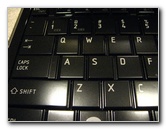 Glossy, Side Beveled Keys |
 Windows 7 Home Premium |
 USB Sleep & Charge |
| I was nervous about
migrating from my very stable and familiar copy of Windows XP SP3 32-bit to
Windows 7 Home Premium 64-bit.
It took me a few hours to make Windows 7 feel more like home by restoring a more traditional quick launch menu with a left hand side "Show Desktop" button, installing "Classic Shell" for a more familiar Start menu, and a multitude of other Windows File Explorer and registry tweaks. I also switched the Advanced Performance Options menu to "Adjust for best performance" to turn off all the flashy Aero graphics, animations, fades, and translucent windows. |
||
 Harman/Kardon Dolby Speakers |
 Updating Win 7 |
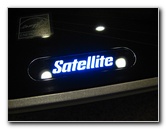 LED Lighted "Satellite" |
| Another concern I
had was how well some of my ancient but beloved 32 bit programs would work
in a Windows 7 64 bit environment.
Windows 7 Home Premium doesn't come equipped with "XP Mode" like the Pro and Ultimate versions, but it turns out that I didn't need it. All of my old 32 bit programs were installed in the Program Files x86 folder and run perfectly. |
||
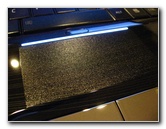 Touchpad LED Lighted Strip |
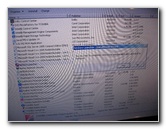 Removing Trials & Bloatware |
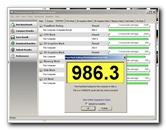 986.3 PassMark Score |
| I spent another
hour figuring out what Toshiba software, bloatware and trial software to
remove.
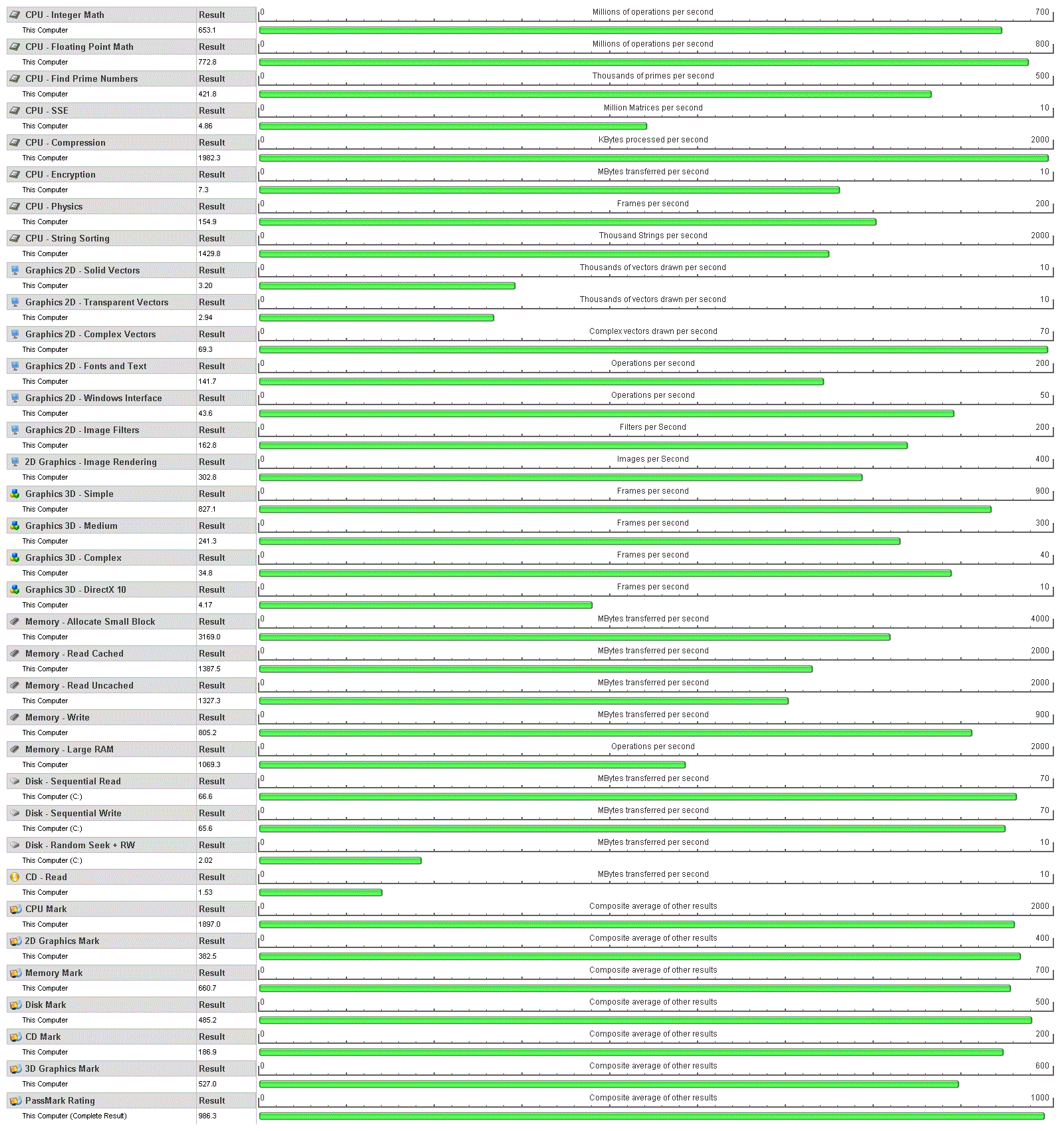
Then I downloaded a trial version of the PassMark Peformance Test computer benchmark software and ran the full test. The Toshiba A505-S6035 initially acheived a great score of 1010.6. Then it went down to 986.3 once I installed all of my programs, antivirus software, and transferred all of my pictures/videos/documents to the hard drive. My old Toshiba A105 scored a 440 before the RAM & HD upgrade. It scored a respectable 561.8 after upgrading the hard drive and memory. If this new A505-S6035 starts to feel slow in a few years, I'll probably upgrade the HDD to a 7200 RPM, 10,000 RPM or possibly a SSD (solid state disk) and increase the RAM from 4 GB to 8 GB. Overall, I'd highly recommend the Toshiba Satellite A505-S6035 for people seeking a competent desktop replacement laptop with good gaming and video encoding capabilities. If you can find it on sale for $900 or less again, jump on it. To view the full results of my PassMark Performance Test benchmark test, click on the blue link below to load the large image. |
||
|
Toshiba A505-S6035 PassMark Performance Test Benchmark Results - 315kb GIF |
||
|
|
||
If you found this site to be helpful,
please consider making a small donation by clicking on the PayPal.com
"Donate" button located to the right of this paragraph. Thank you!
 (Note: I am not a registered charity. Donations are not tax deductible.) |