
Toshiba
Satellite M115 S3094 Notebook Computer Review
An end user review of the Toshiba
Satellite M115-S3094 14.1" 1.6Ghz Core Duo laptop computer with photos &
hardware specifications.

 Power On The Go By Design |
 |
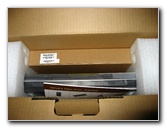
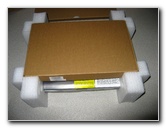
 Secure Foam Packaging |
| This Toshiba
Satellite M115 S3094 notebook computer was purchased for $816.29 at
Buy.com in October of 2006.
It features a 14.1" wide screen, a 1.6Ghz Intel Centrino Core Duo, 512mb of system ram, a CD/DVD-R burner, and an 80Gb 5400 RPM Hard Drive. Since my girlfriend's travel weary 12" Apple iBook G4 was starting to show it's age, she needed a replacement. I was never able to assist her with any technical support problems on her Macintosh due to my lack of experience with the Apple operating system. The only reason she had originally chosen the Mac iBook was that it was the smallest laptop on the market at the time. The 14.1 inch widescreen on the Toshiba Satellite M115 was a pleasant step up from the iBook's tiny 12 inch screen. The upgrade from a solo 800mhz processor to dual 1.6Ghz chips also improved the user experience by a significant amount. |
||
 Quick Start Guide |
 |
 Toshiba Accessories Catalog |
| I picked up another
stick of 512mb Ram so that the laptop would run memory intensive programs
like Photoshop better. Installing the Ram only took a few seconds.
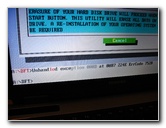
Then I tried to format the hard drive and do a fresh install of Windows XP but there seemed to be an error on the drive. Every percent of the formatting process took about 30 minutes which is an excessively long amount of time and it would time out in the middle. The laptop may have taken a jolt in shipping or the hard drive could have been defective from the manufacturer. I took the computer to the nearest Toshiba authorized service center and they returned it with a new hard drive in a few days. |
||
 |
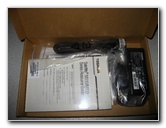 User Guide & Power Adapter |
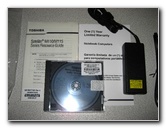 Recovery & Drivers DVD |
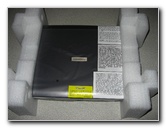 Protective Plastic Pouch |
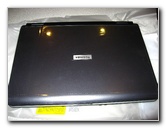 |
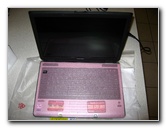 Pink Keyboard Protector |
| With a new hard
drive in the computer, I was able to re-install a clean copy of Windows XP
with none of the pesky trial software and other clutter.
Suddenly the drive seemed a few gigabytes larger. |
||
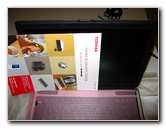 14.1" Inch Widescreen |
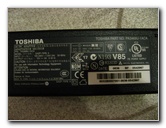 110-120/220-240 Adapter |
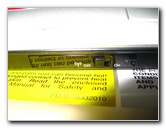 WiFi On/Off Switch |
| Overall, I give the
M115 a big thumbs up for having a great TruBrite screen, fast components and
solid build quality.
It does get a bit hotter than my larger Toshiba Satellite A105 which obviously has more space between the hardware for cooling. |
||
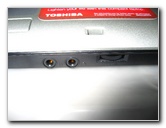 Volume, Mic, Earphone Jack |
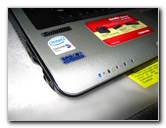 HDD, Battery, SD Card Status Lights |
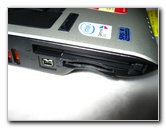 PCMCIA, SD Card, Firewire |
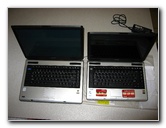 A105 15.4" Vs. M115 14.1" |
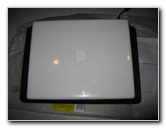 12" Apple iBook Vs 14.1" |
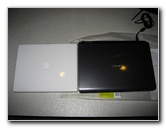 M115 & iBook G4 |
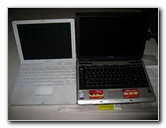 12 Inch iBook & 14.1 Toshiba |
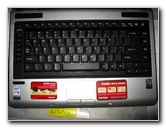 |
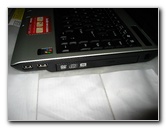 CD/DVD-R Super Multi Drive |
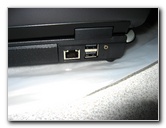 10/100 Ethernet Port, USB 2.0 |
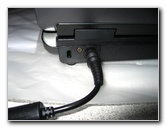 AC Power Plug |
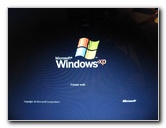 Windows XP Home |
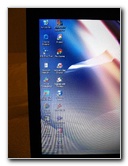 Pre-Installed Programs |
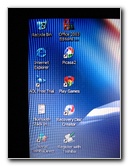 Picasa 2, Office 2003 |
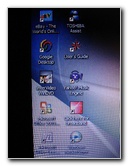 Win DVD, Yahoo, Google |
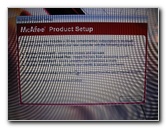 Insistent McAfee Setup |
 30+ System Processes |
 Trial Software & Demos |
 |
 Too Many Tray Icons |
 Windows One Note 2003 Tour |
 Free Game Trials |
 Formatting C:\  |
 20 Processes Much Better |
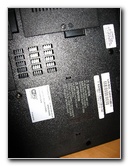
 Ram & HDD Access Panels |
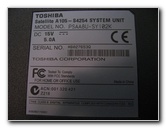 Computer Serial # |
 |
 |
 |
 |
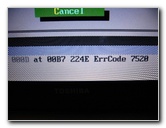 Error Code 7520 |
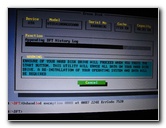 Hard Drive Diagnostic |
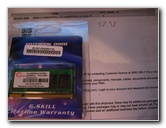 G. Skill 512mb Ram |
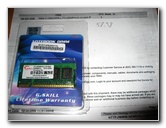 $59.98 P2-4200 512MB |
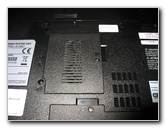 Ram Access Panel |
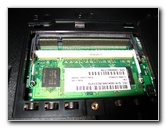 Toshiba 512MB Stick |
| For more technology themed site updates check out my Toshiba A105 15.4" Inch Laptop Review, RAM Upgrade Guide, and CMOS Battery Replacement Instructions. | ||
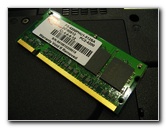 |
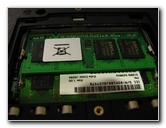 1Gb Ram |
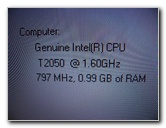 T2050 1.6Ghz .99GB Ram |
If you found this guide to be helpful,
please consider making a small donation by clicking on the PayPal.com
"Donate" button located to the right of this paragraph. Thank you!
 (Note: I am not a registered charity. Donations are not tax deductible.) |